




$39.00 Original price was: $39.00.$19.00Current price is: $19.00.
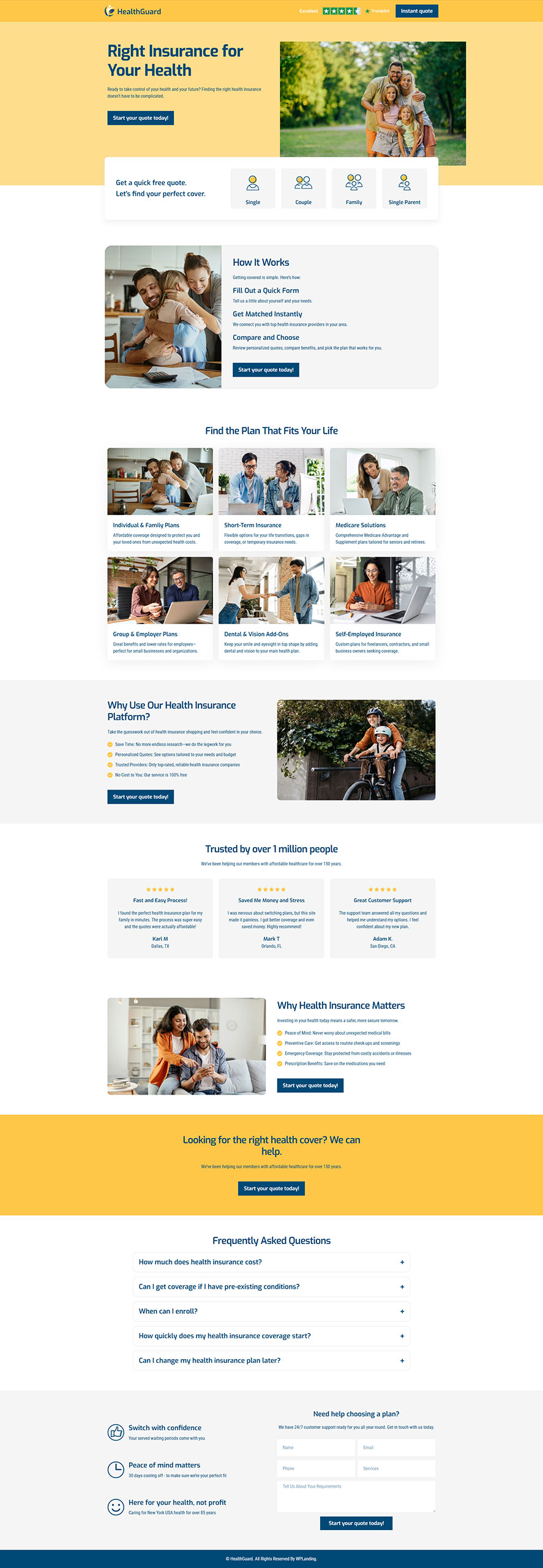
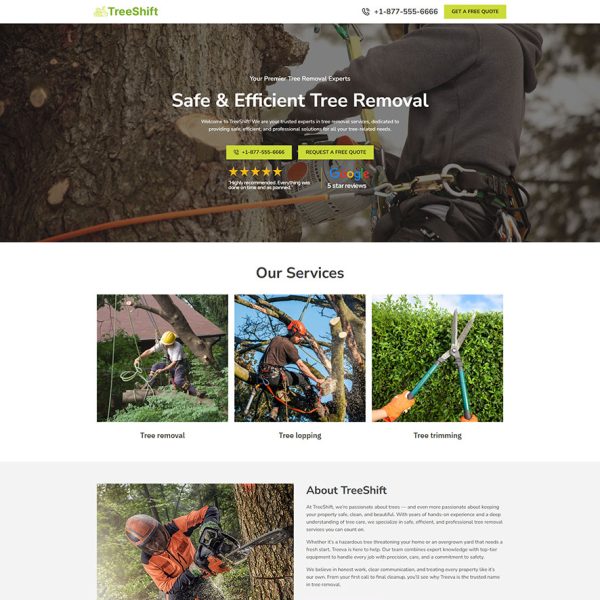
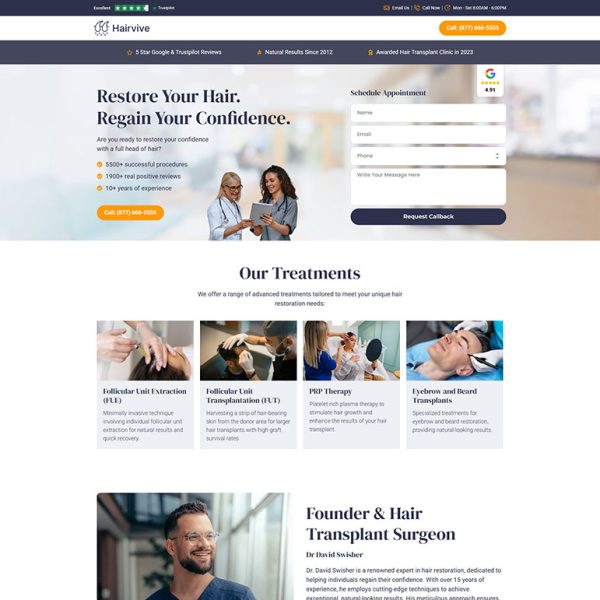
HealthGuard is a premium Health Insurance Landing Page designed to help you generate leads and grow your client base. Built with Elementor and fully compatible with WordPress, this clean and professional landing page template is ideal for agencies, brokers, or individual consultants looking to promote health insurance plans online. The layout is optimized for conversion, featuring clear call-to-actions, trust-building elements, responsive design, and fast loading speed. Whether you’re launching a new campaign or want a high-converting page for your health services, HealthGuard makes it easy to capture leads and communicate your value effectively. This Health Insurance Landing Page is crafted to fit the needs of digital marketers who rely on Elementor Landing Pages, WordPress Landing Pages, and high-performing Marketing Landing Pages to drive results.
If you’re looking for Health Insurance Landing Pages for Lead Generation, HealthGuard is a simple yet powerful solution built to perform across devices and marketing platforms.
Edit every section visually with Elementor — no coding skills or technical setup required at all.
Templates are built for fast loading with clean structure and no unnecessary code or clutter.
Crafted for a sleek user experience that increases trust and drives more conversions instantly.
Made to work with just Elementor, avoiding compatibility issues and performance bloat.
Each template is fully optimized for desktops, tablets, and mobile for seamless viewing.
Buy once and keep using forever, with regular updates included at no extra cost to you.
1. Purchase the Template: Complete your purchase and instantly get access to the downloadable .json template file.
2. Import into Elementor: Open your WordPress site, go to Elementor > Templates > Import, and upload the file.
3. Insert and Customize: Add the template to any page using Elementor. Easily customize text, images, colors, and layout.
4. Go Live: Publish your page and start converting visitors with your professionally designed landing page.